SECURITY BREACH? CALL 888.234.5990 EXT 9999

KKNOWLEDGE BASE

Learn From Our
IT Experts

Access expert insights and practical guidance in one place. Our knowledge base helps you stay ahead of industry trends, adopt proven best practices, and leverage resources that strengthen your organization’s performance.

DOCUMENTATION
Netrix Global

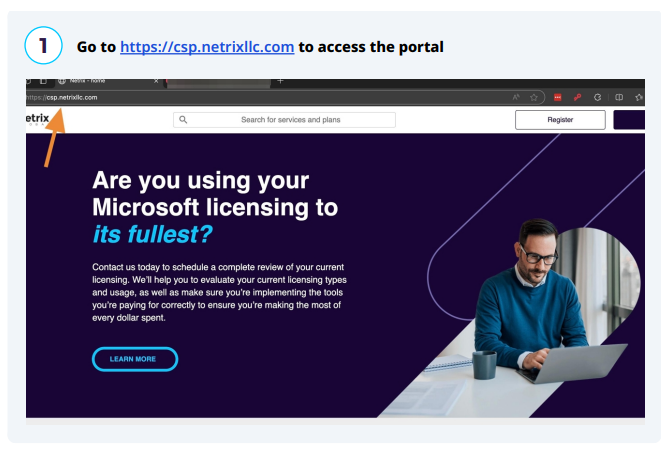
How to Register For Access to the Netrix CSP Portal

DOCUMENTATION This guide provides a step-by-step process for registering and accessing the Netrix CSP Portal, making it easy for users to navigate the registration system. It simplifies the potentially complex steps involved, ensuring that users can efficiently complete their registration without confusion. By following this guide, users will gain quick

Read More »
DOCUMENTATION
Netrix Global

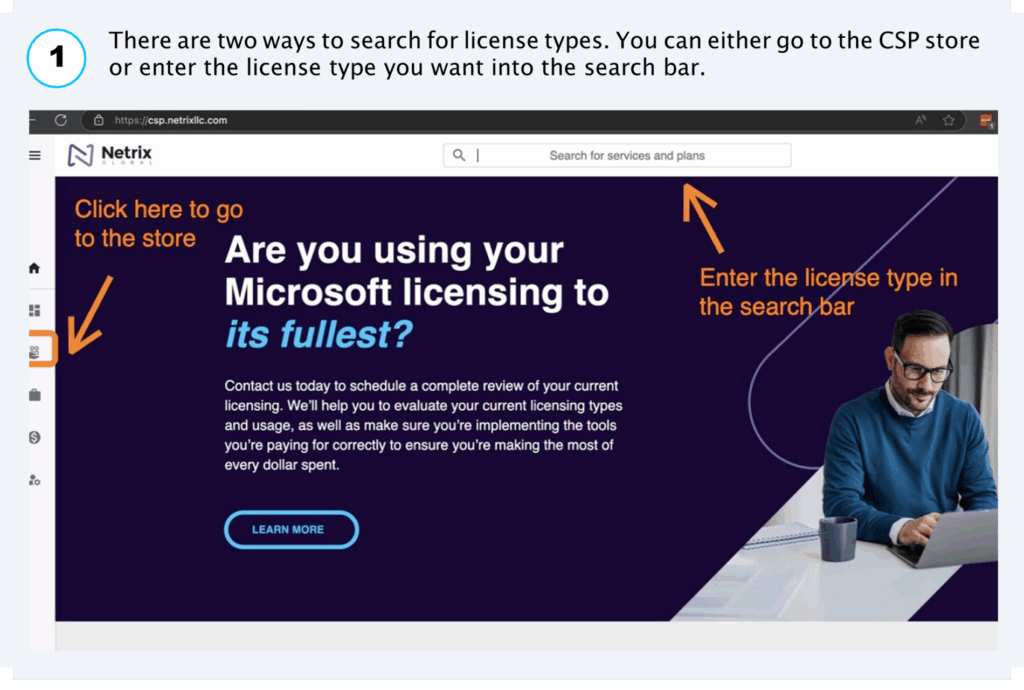
Getting Started in the CSP Portal

DOCUMENTATION Get up and running fast. This quick-start shows you how to order CSP licenses, pick monthly vs annual billing, co-term new seats with existing renewals, assign licenses to end users, and add teammates with proper portal permissions—everything a new admin needs to manage licenses confidently. How to Order Licenses

Read More »
BLOG ARTICLES
Netrix Global

AI Cybersecurity Threats to Expect in 2026 and Beyond

BLOG ARTICLE Artificial Intelligence (AI) continues to transform countless industries, delivering unprecedented efficiencies and insights. In cybersecurity, AI offers powerful defensive tools but simultaneously opens doors for new and more sophisticated cyber threats. As we move into 2025, businesses must be acutely aware of these evolving AI cybersecurity threats and

Read More »
DOCUMENTATION
Netrix Global

Yealink T42

DOCUMENTATION A & J: Line Keys Use these keys to activate lines and assign various features B: Hookswitch Picking up the handset from the handset cradle, the hookswitch bounces and the phone connects to the line, laying the handset down on th handset cradle, the phone disconnects from the line.

Read More »
DOCUMENTATION
Netrix Global

Logging Out of the nVX User Portal

DOCUMENTATION To logout of the nVX User Portal, click on  and then click on  logout icon at the bottom left of the navigation panel. Note: When logged out of the nVX User Portal, users will no longer receive inbound calls to their nVX Websip phone. All phone calls will be

Read More »
DOCUMENTATION
Netrix Global

Change a Device Speaker or Mic

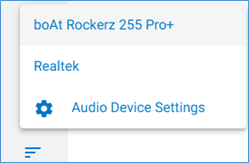
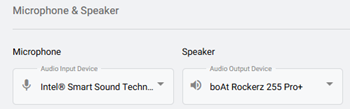
DOCUMENTATION To choose the same device for both microphone and speaker use: Step 1: Select the Additional Settings icon in the bottom left of portal to open a pop-up. Step 2: Click on the Microphone icon. Step 3: Select the devices from the options listed.  (This is pulled from windows)

Read More »
DOCUMENTATION
Netrix Global

Call Detail Records

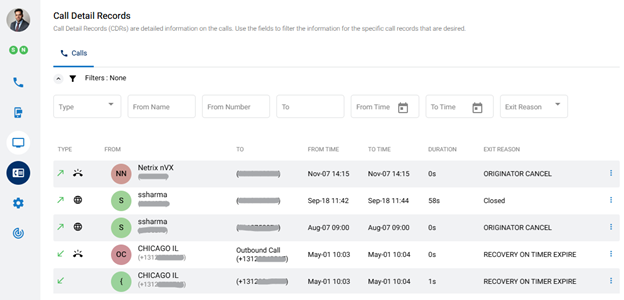
DOCUMENTATION Call Detail Records (CDRs) show information on individual calls. To view your Call Detail Records, click the Call Detail Records menu icon,   on the left panel of the dashboard. Records can be filtered and sorted. Available information in Call Details Each record contains the following details: Type – Direction of

Read More »
DOCUMENTATION
Netrix Global

Emergency Services

DOCUMENTATION Emergency services are supported both through the User Portal and when dialing 911 using an IP phone SHARE THIS

Read More »
DOCUMENTATION
Netrix Global

Selecting Your Endpoint

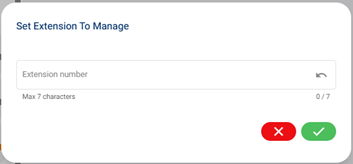
DOCUMENTATION An Endpoint is a device that is used as a communication channel for a user to make calls, receive calls, and use telephony features. Selecting an Endpoint Step 1: Select the Additional Settings icon in the bottom left of portal to open a pop-up. Step 2: The middle option is the

Read More »

Our Latest Case Studies

See firsthand how Netrix Global drives real business results for companies like yours.

Let's get problem-solving.