Our approach to delivering results focuses on a three-phase process that includes designing, implementing, and managing each solution. We'll work with you to integrate our teams so that where your team stops, our team begins.
OUR APPROACHDesign modern IT architectures and implement market-leading technologies with a team of IT professionals and project managers that cross various areas of expertise and that can engage directly with your team under various models.
OUR PROJECTSWith our round-the-clock Service Desk, state-of-the-art Technical Operations Center (TOC), vigilant Security Operations Center (SOC), and highly skilled Advanced Systems Management team, we are dedicated to providing comprehensive support to keep your operations running smoothly and securely at all times.
OUR SERVICESOur knowledge base is a centralized database of content created specifically to help you navigate IT issues and business challenges. Our goal is to keep you up to date with industry trends, educate you on leading best practices, and share valuable resources that you can leverage within your organization.
85 posts found

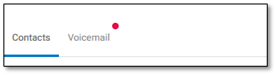
DOCUMENTATION Accessing Voicemail from the User Portal Navigate to the Calls Icon on the left. Click on the Voicemail tab next to Contacts Your voicemails will be listed in order of the date you received them, with the most recent voicemails being closest to the top. From this list of

DOCUMENTATION Easily access all Outlook contacts via your nVX user portal. In this article, we will walk you through creating a new contact in Outlook and accessing them through the nVX user portal. Create an Outlook Contact Open your Outlook application. Navigate to the Contacts tab and click the ‘New

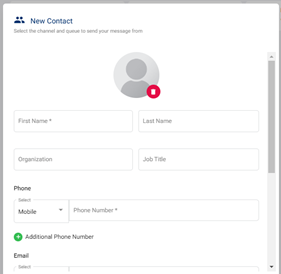
DOCUMENTATION Personal Contact Directory allows users to create/save a personal contact directly within the nVX User Portal and Mobile Apps. Create a Contact Click on the icon available here to create a contact A modal window will show up as seen below, fill in the required information here: Click Save

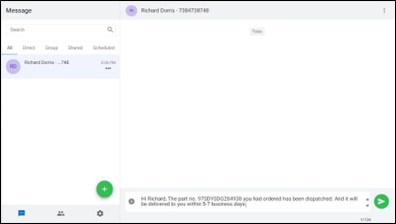
DOCUMENTATION Overview SMS for Microsoft Teams allows Teams users to send and receive SMS and MMS using their Microsoft Teams application. Note: Not all licensing includes MMS capability. Check with your administrator before sending multimedia messages. Setting up SMS for Microsoft Teams Note: Before following these steps, please confirm that

BLOG ARTICLE In today’s fast-paced business environment, productivity is key to staying competitive and achieving success. One of the most exciting advancements in technology that can help companies boost their productivity is Microsoft Copilot. This AI-powered assistant is designed to streamline workflows, enhance collaboration, and provide valuable insights, making it

BLOG ARTICLE Several types of companies specialize in providing nearshore developers for contract work, catering to the growing demand for flexible and skilled IT resources. These companies typically act as intermediaries, connecting businesses with nearshore development teams that meet their specific project requirements. Here are some common types of companies

BLOG ARTICLE Author Name : In today’s rapidly evolving digital landscape, the modernization of legacy applications is not merely a trend but a strategic imperative for businesses aiming to enhance efficiency, agility, and competitiveness. Legacy application modernization involves updating or transforming outdated systems to leverage contemporary technologies and meet current

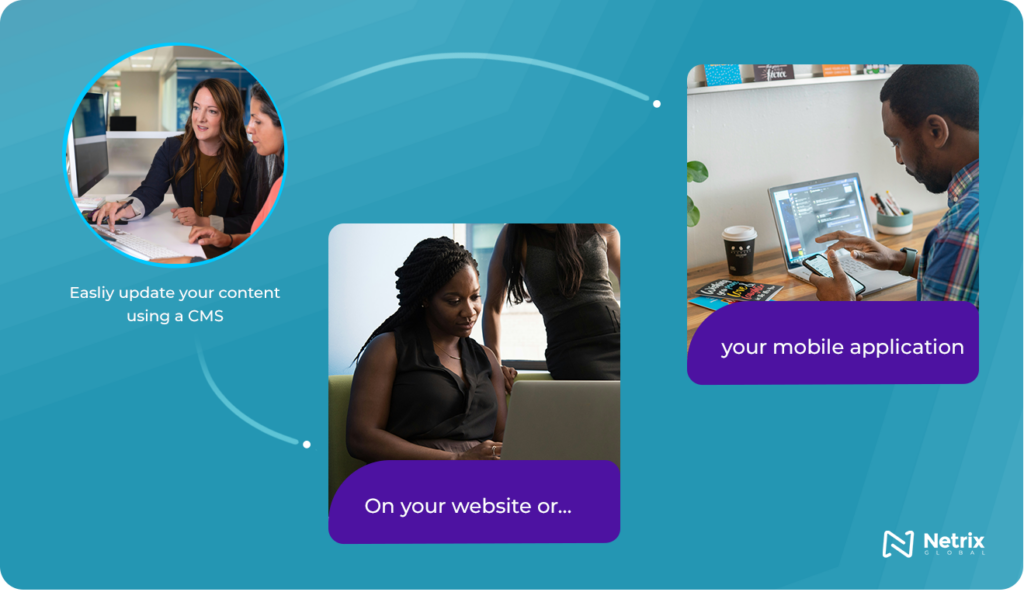
BLOG ARTICLE Table of Contents Every business, whether it is a mom-and-pop shop, or a Fortune 500 company, needs an online presence. It may take the form of a website, an intranet or perhaps a mobile application. Whatever your online presence is, you will need a way to update the